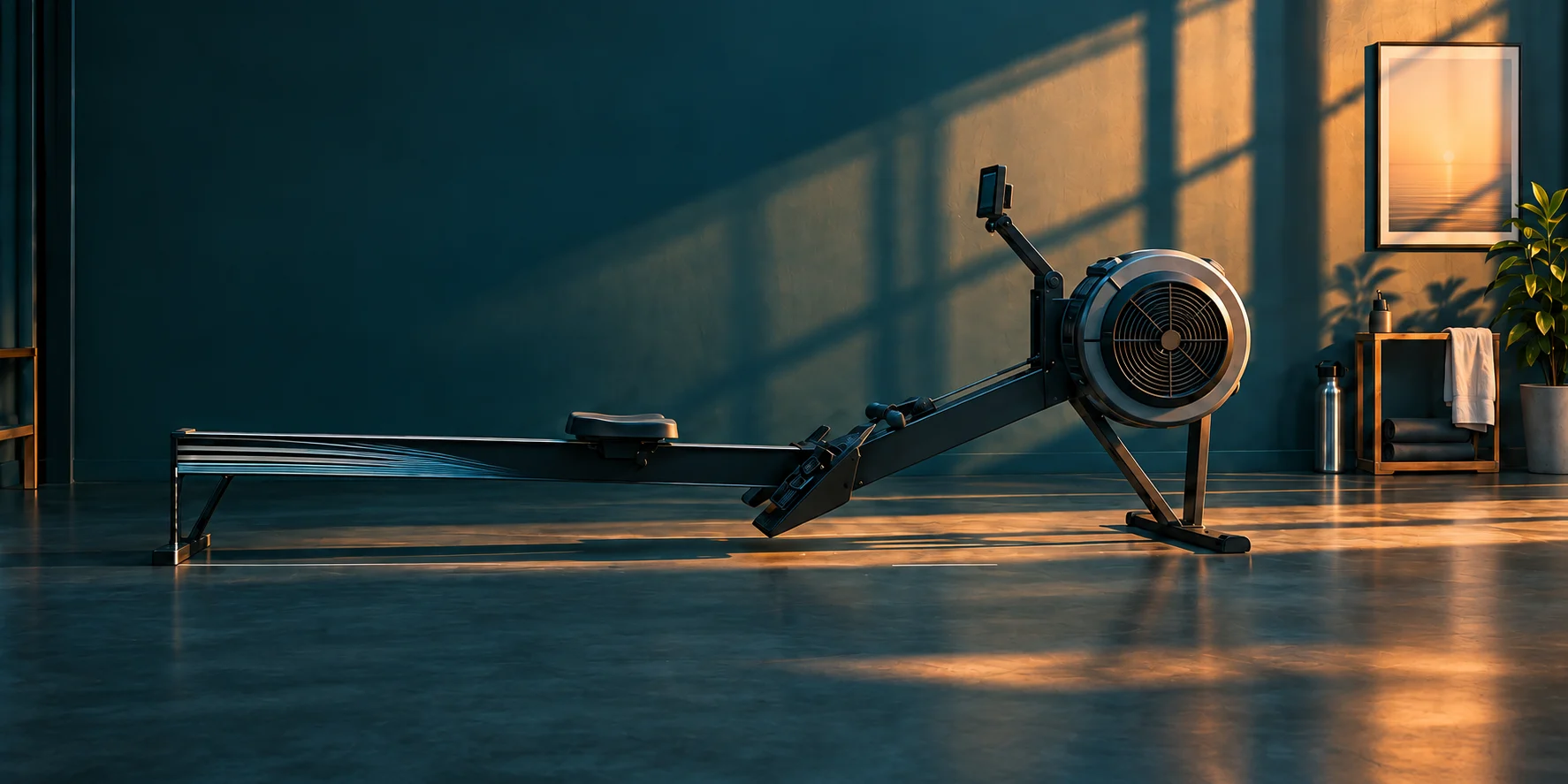
A better angle.
A clearer view.
01 / Camera setup
Start with the camera.
Give RowCoach a clear view of your full stroke.
- 01
Set it side-on
Place the camera directly side-on, about 2–3 m (7–10 ft) away. Keep the lens level and at seat height.
- 02
Keep your full stroke in frame
Your wrist, hip, knee, ankle, and shoe should stay visible from catch to finish.
- 03
Allow camera access
Allow access in your browser. Press Reset after moving the camera or foot stretcher.
Use the in-frame setup guide to identify a joint that tracking cannot see.
Get a clearer signal.
If tracking looks wrong, improve lighting, remove visual clutter behind the athlete, keep the full stroke in frame, and confirm the correct visible side and facing settings.
If the camera will not start
Reset camera permission in your browser's site settings, reload RowCoach, and allow the camera again. Close another app if it is already using the same camera.
If joints disappear during the stroke
Move the camera farther away or adjust the angle until the wrist, hip, knee, ankle, and shoe remain visible at both ends of the movement.
RowCoach works best in an up-to-date Chrome or Edge browser on a computer. Safari 16.4+ and Firefox generally work but receive less testing.
Back to your rowing.
The live form coach requires a RowCoach account with current server-confirmed coaching access. Production account creation and sign-in are handled by Firebase Authentication and work across devices.
- Use password reset from the RowCoach home page if you cannot sign in.
- After checkout, return to RowCoach and allow the subscription check to finish.
- If access still appears inactive, reload once before contacting support.
If cloud sign-in is temporarily unavailable, production sign-in remains unavailable until Firebase recovers; RowCoach never substitutes a local identity. Clearing browser storage removes local settings but does not delete your Firebase account or Stripe-backed entitlement.
Your plan. Your time.
Stripe handles RowCoach subscription checkout, payment methods, invoices, receipts, and cancellation. Use the RowCoach billing portal to manage your plan, cancel, update your payment method, or retrieve billing records.
New subscriptions and renewal charges are non-refundable except where required by law or where RowCoach confirms an unauthorized transaction, duplicate charge, or other verified billing error. Completely untouched Extra Coaching Time packs may qualify for a full refund within seven days under the current Terms of Service.
If a paid plan does not show as active after checkout, reload RowCoach. If verification still does not complete, contact support with the account email and the approximate checkout time. Do not send a full card number.
Your rowing stays yours.
Webcam video stays on your device and is not uploaded or stored by RowCoach. During active coaching, derived pose landmarks and timing are transmitted over an encrypted connection for ephemeral analysis and discarded when that connection closes.
Concept2 and your RowCoach Logbook
Disconnecting RowCoach stops new synchronization and deletes RowCoach's encrypted Concept2 credentials after any already-sent result is reconciled. It does not delete workouts from Concept2 and does not claim to revoke access remotely. You can also remove RowCoach from the Applications area of your Concept2 account.
From Progress / Logbook, you can download your normalized source-labelled record as JSON or CSV, remove imported Concept2 copies, or clear the RowCoach Logbook. Those local actions never make a Concept2 workout deletion request.
Review the Privacy Policy for camera processing, account data, saved progress, retention, optional analytics, and access or deletion requests. Review the Terms of Service for billing, safety limits, and acceptable use.
Know the limits.
RowCoach is a coaching aid, not medical advice or a replacement for a qualified rowing coach. Camera-based feedback can be incomplete or inaccurate because camera angle, lighting, clothing, body proportions, and erg setup affect pose estimates.
Stop exercising if you feel pain, dizziness, or unsafe discomfort. Seek a qualified coach or medical professional when their judgment or expertise is needed.
Contact RowCoach
Email support@rowcoach.live or call 314-445-4471.
Include these details so we can start from the right place:
- A short description of what happened and what you expected.
- Your browser and device.
- Whether the issue involves camera tracking, account access, checkout, or billing.
- The approximate time of the issue, without sending passwords or full payment-card details.